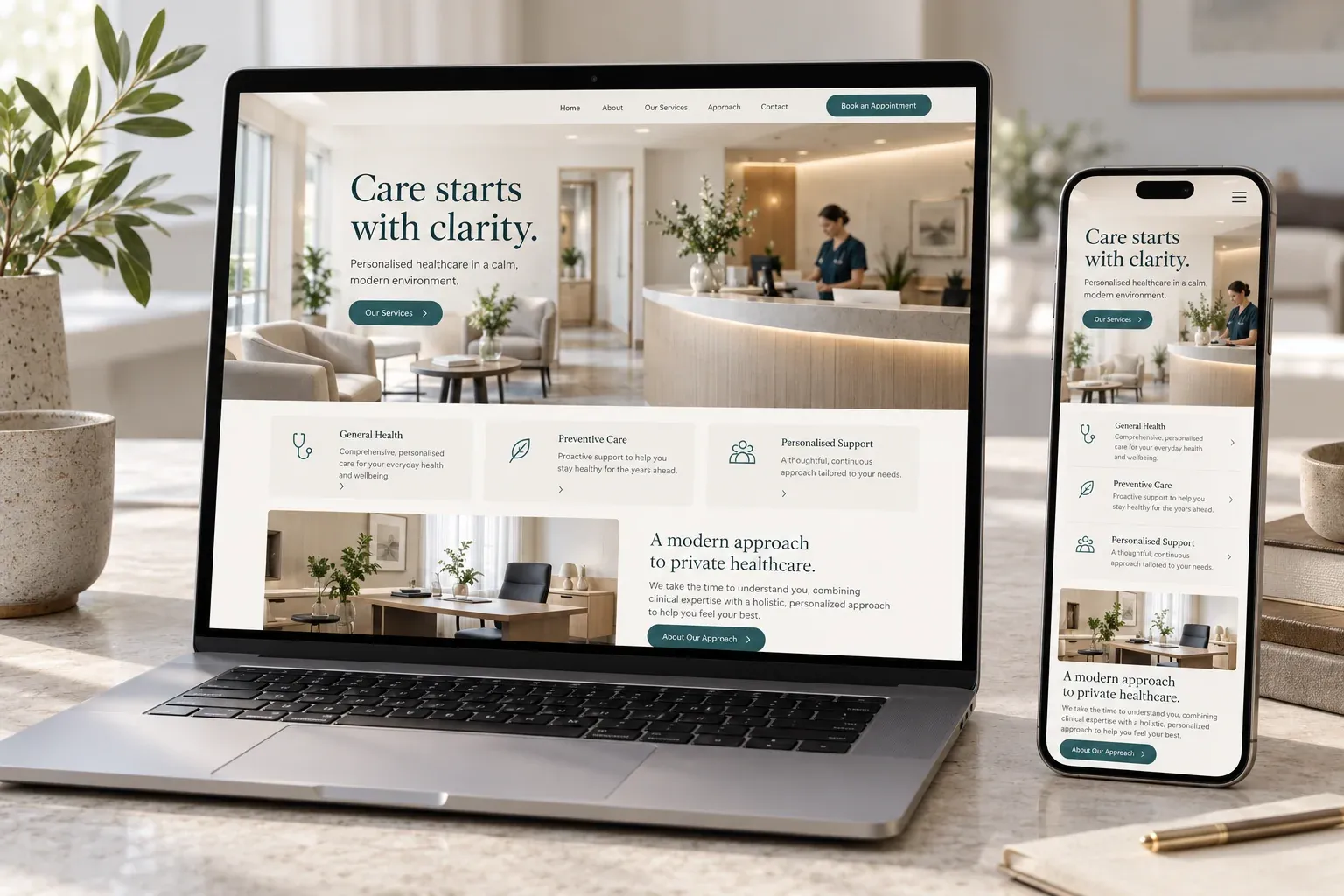
The useful answer
A healthcare practice website can present approved service information, practitioner details and practical visiting guidance. It should make the contact or appointment-request journey clear while keeping clinical records and sensitive information in an appropriately assessed system. The public website is not a substitute for individual medical advice or a patient portal.
Reviewed · BeyondPHP
Answer practical patient questions
Visitors often need to understand whether a service is offered, who provides it and how to arrange the next step. Organise approved information so it is easy to find on a phone. Directions, accessibility information and preparation guidance can be valuable when the practice supplies and reviews them. Avoid allowing a visually attractive page to hide essential practical details.
Give clinical content an accountable reviewer
The practice should approve practitioner profiles, qualifications, service descriptions and any patient-facing medical information. Website production does not create clinical authority. Record who is responsible for review and updates, particularly when a service, professional role or preparation instruction changes. Patient stories, photographs and testimonials require their own permissions and should never be fabricated to fill a design layout.
Describe the booking step accurately
A request for an appointment is different from a confirmed reservation in a practice system. Decide which journey the website will offer and explain it clearly. An external booking service can be assessed separately. The public enquiry interface should not invite detailed symptoms, medical records or other sensitive information when those details are not needed for the initial contact.
Make reassurance practical
Readable type, descriptive links and straightforward navigation help visitors with different needs. Check the route to contact information, the behaviour of any appointment control and the clarity of external-system handoffs. If the practice provides accessibility or visiting information, keep it factual and current. A calm visual style supports that clarity, but it cannot replace accurate content or careful data handling.
A practical next step
What to prepare.
- Approve service wording
Choose the practice representative responsible for clinical and professional facts.
- Prepare practical information
Supply current contact, visiting, accessibility and appointment-request details.
- Separate sensitive workflows
Identify which information must stay in the patient or booking system rather than a public form.
- Review the whole patient journey
Check that contact, request and confirmation wording match the actual practice process.
Questions worth asking.
Can patients request appointments?
Yes, through an agreed request route. A confirmed booking requires a functioning scheduling service and accurate confirmation behaviour.
Can the site collect medical information?
That is a separate sensitive-data requirement. The default public enquiry should avoid asking for clinical records or unnecessary health details.
Who approves treatment descriptions?
The practice must identify a qualified reviewer. Website designers should not invent or independently endorse medical advice.
Can practitioner profiles be included?
Yes, using approved names, roles, qualifications and images supplied or authorised by the practice.
Can we show patient testimonials?
Only appropriate, authorised material should be used. No patient identity, story or result is invented for a layout.
Does a calm design prove accessibility?
No. Accessibility needs practical checks, clear feedback routes and accurate reporting of any limitations.